Printing and Selling Photos: Sizes and Quality
Professional-quality photo printing: megapixels by size, PPI, papers, file preparation and how to sell prints with a real margin.
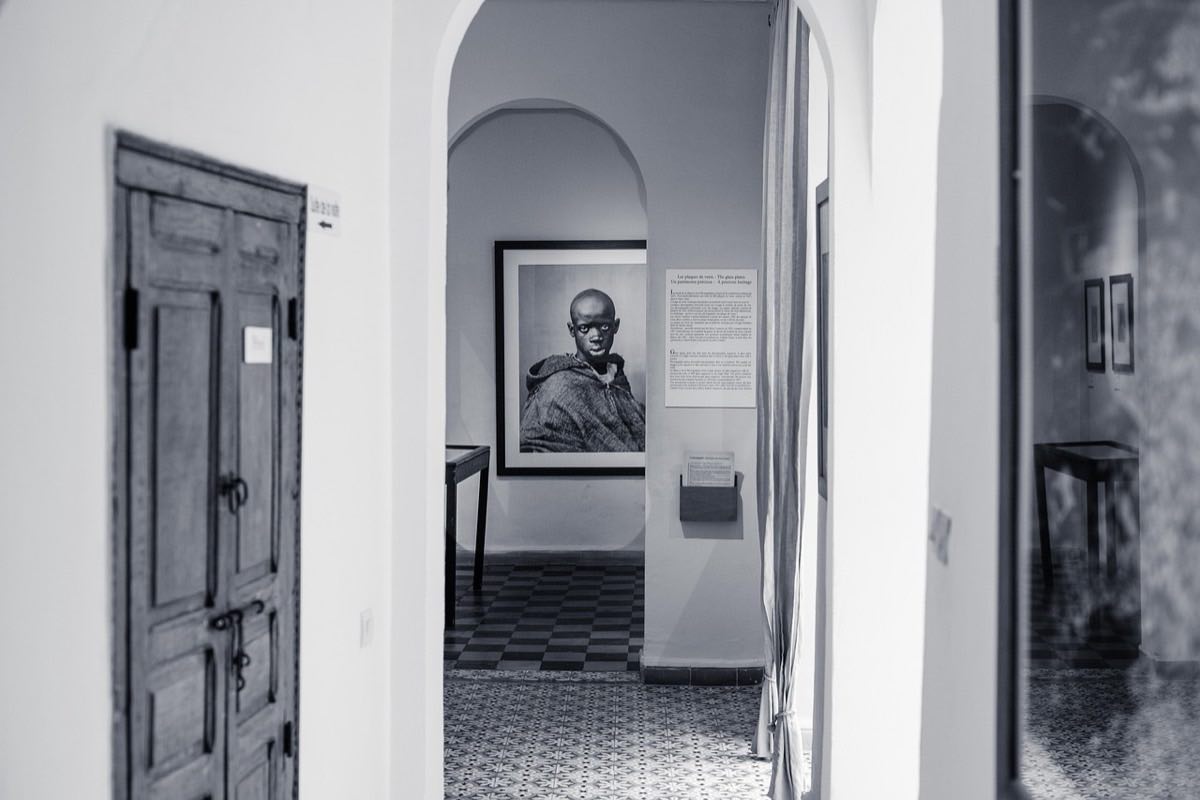
To print professional-quality photos it isn't enough to send the JPEG to the lab and cross your fingers. Between the screen and the paper, three betrayals are waiting: resolution (are my megapixels enough for that size?), color (why did it come out darker and duller?) and paper (that glossy photo that looks cheap on matte, or the other way around).
Printing, moreover, is one of the best products a photographer can sell: it turns a digital file into a physical object with a high margin, and it's what clients actually keep ten years later. But only if the printed result lives up to what they saw on screen.
Here is the complete guide: how many megapixels each size needs, how to prepare the files, which paper to choose and how to price prints.
Resolution: how many megapixels each size needs
The basic rule is simple: gallery quality demands about 300 pixels per inch (PPI); a print that will be viewed from more than a meter away (a large picture on a wall) works perfectly at 150–200 PPI, because the eye can't resolve more detail from far away.
Print size: 10×15 cm (4×6"); Pixels for 300 PPI: 1200×1800; Approx. megapixels: 2.2 MP; Is a 24 MP camera enough?: More than enough
Print size: 13×18 cm (5×7"); Pixels for 300 PPI: 1500×2100; Approx. megapixels: 3.2 MP; Is a 24 MP camera enough?: More than enough
Print size: 20×25 cm (8×10"); Pixels for 300 PPI: 2400×3000; Approx. megapixels: 7.2 MP; Is a 24 MP camera enough?: More than enough
Print size: 30×45 cm (12×18"); Pixels for 300 PPI: 3600×5400; Approx. megapixels: 19.4 MP; Is a 24 MP camera enough?: Yes, just
Print size: 50×75 cm (20×30"); Pixels for 300 PPI: 6000×9000; Approx. megapixels: 54 MP; Is a 24 MP camera enough?: Yes, at 150–200 PPI for distant viewing
Print size: 60×90 cm (24×36"); Pixels for 300 PPI: 7200×10800; Approx. megapixels: 78 MP; Is a 24 MP camera enough?: Yes, at 150 PPI or with upscaling
The practical conclusion: any modern camera prints album sizes without breaking a sweat, and wall sizes work thanks to viewing distance. Before promising a client a size, check how large you can print your file with this print size calculator: you enter your photo's pixels and it tells you the maximum centimeters at each quality.
Two nuances: cropping eats resolution (a photo cropped to 50% has half the pixels), and modern software upscaling lets you enlarge 1.5–2× with surprisingly good results for distant viewing.
Preparing the file: color, sharpness and format
Most printing disappointments are not about resolution but about color and density:
Color space: export in sRGB unless your lab explicitly asks for Adobe RGB. An Adobe RGB file printed through an sRGB workflow comes out desaturated.
The screen deceives through brightness: monitors are backlit and paper isn't. A photo that looks perfect on a screen at 100% brightness usually prints dark. Lower the monitor's brightness to a moderate level when editing for print, or brighten the print copy by +0.3 to +0.7 EV as a starting point and do a test.
Output sharpening: apply a final sharpening slightly stronger than what looks good on screen; paper (especially matte) absorbs sharpness.
Format: maximum-quality JPEG is enough for a lab; TIFF only if the lab requests it for large enlargements.
Test before the big order: print a 13×18 of the image before ordering the 60×90 picture. It costs pennies and avoids expensive mistakes.
If your edit starts from a good file and an orderly workflow, half the way is done; the complete process from RAW to final result is in photo editing: from RAW to the final look, naturally, and the organization of versions and exports in the file management and workflow guide.
Papers and finishes: what to choose for each photo
There is no best paper; there is the right paper for each image and use:
Glossy: maximum contrast and saturation; reflects lights and shows fingerprints. Good for small, colorful photos; bad for pictures facing windows.
Luster / satin: the professional all-rounder; good contrast with controlled reflections. If in doubt, luster.
Matte: elegant, no reflections, with less deep blacks. Ideal for portraits, black and white and soft styles.
Cotton papers (fine art): texture and tonal depth for selling artwork and high-value decor; they cost several times more and are worth it in that context.
Rigid supports (canvas, aluminum, acrylic): wall products with high margins; ask your lab for samples before offering them.
Printed color also depends on the harmony of the original image: coherent palettes print better than extreme edits, a topic developed in color theory in photography: emotion, harmony and visual narrative.
Selling prints: prices with a real margin
The classic mistake is charging for the print "at cost plus a little." The right price includes your curation, file preparation, handling and quality assurance. Illustrative examples of structure:
20×25 cm print: lab cost 3–6 USD → sale price 15–30 USD.
30×45 cm enlargement: cost 8–15 USD → sale 40–80 USD.
50×75 cm framed picture/canvas: cost 30–60 USD → sale 120–300 USD.
Margins of 3–5× over lab cost are normal in the industry, because you're not selling paper: you're selling the finished photo as an object. Offer prints at the moment of gallery delivery (when emotion is high) and in bundles ("3 prints 20×25 for X") instead of waiting for them to be requested.
Frequently asked questions
Why do my printed photos come out darker than on screen?
Because your monitor emits light and paper reflects it. Edit with moderate monitor brightness, brighten the print version slightly and, if you sell prints regularly, calibrate the monitor with a colorimeter.
Can I print a phone photo large?
Current phones (12–50 MP) print very well up to 30×45 cm if the photo has good light and little cropping. Indoors in low light, noise and aggressive processing show up before the lack of pixels does.
Professional lab or my own printer?
Start with a lab: zero investment, consistency and access to all sizes and supports. Your own photo printer is only justified with high volume and a willingness to manage profiles, inks and maintenance.
What resolution do I ask for if a client sends me photos to print?
The original file at full resolution, without passing through messaging apps (which recompress aggressively). A WhatsApp file rarely supports more than a decent 13×18.
Printing is a workflow, not an act of faith
Printing well is a workflow, not an act of faith: enough resolution for the size and viewing distance, an sRGB file with corrected brightness, paper chosen according to the image and a small test before the big order. With that workflow, paper stops betraying the screen.
And as a product, the print is among the most profitable things you can offer: sell it in bundles, at the moment of peak emotion. At Enfogram you'll find the 44 photography cards with the exact settings for every situation: print them, carry them with you and shoot with confidence.