Shutter Speed: Exposure and Motion
Shutter speed: which value freezes or blurs each kind of movement, with a table by scenario and the most common mistakes.
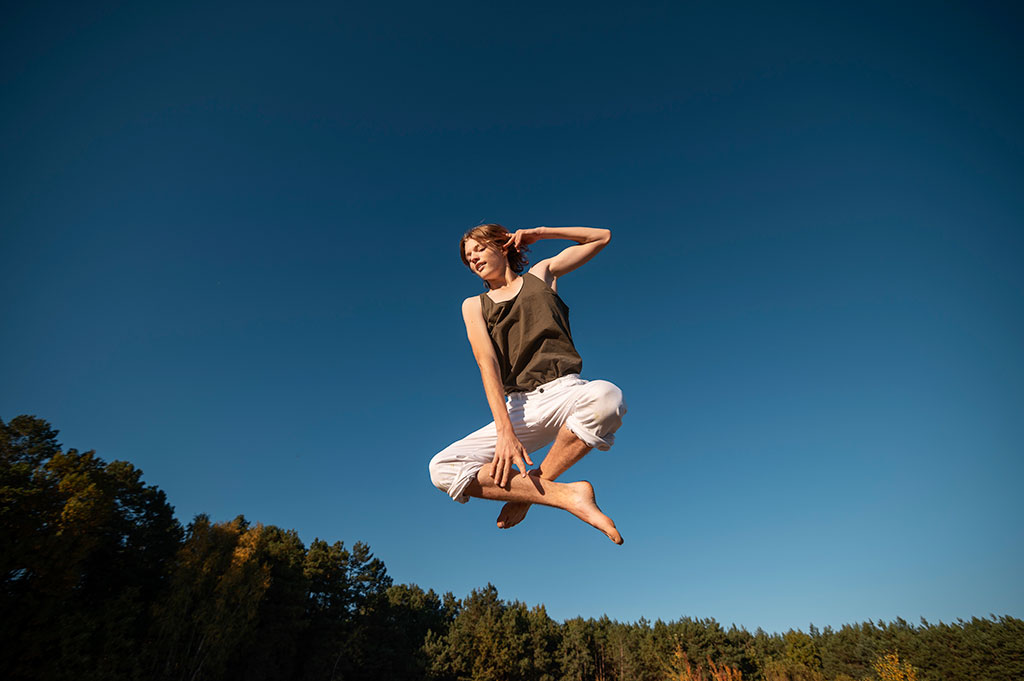
1/500 s freezes an athlete in mid-air. At 1/30 s, following him with the camera, the subject stays sharp and the background turns into streaks. The shutter does two jobs at once: it decides how much light reaches the sensor and it decides how motion gets recorded.
From that double role come action scenes, natural portraits, the silky water of a landscape and pans. Below you have the starting speed for each one and the minimum your hand can hold.
What is shutter speed?
The shutter is the mechanism that controls how long the sensor is exposed to light. It is measured in seconds or fractions of a second: from very long exposures of several minutes to extremely brief fractions like 1/8000s. The shorter the time, the less light gets in and the more the motion freezes. The longer, the more light the sensor accumulates and the greater the record of movement.
That dual function (light and motion) is what forces you to decide two things with a single dial: how bright the photo comes out and what the moving things do in it.
Key scenarios: from sports to creativity
Shutter speed adapts to each situation and plays a decisive role in the result:
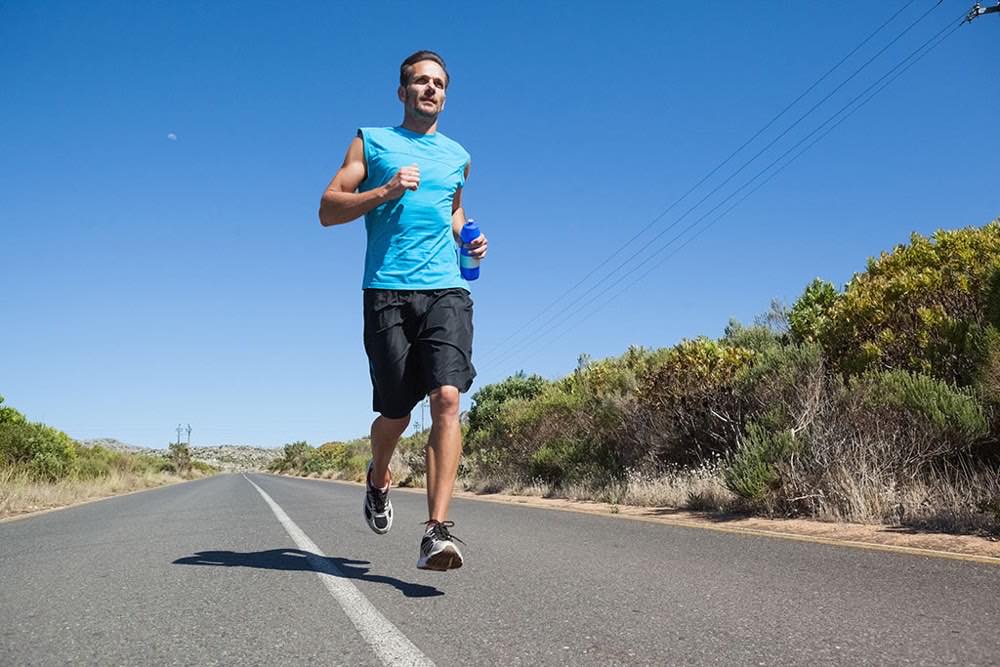
Action sports: fast speeds like 1/500s or 1/1000s ensure you freeze jumps, runs and plays without motion blur.
Children playing: around 1/250s allows natural gestures without losing sharpness, even with unpredictable movements.
Silky water in landscapes: long exposures of 1 to 4 seconds (with an ND filter) turn rivers and waterfalls into soft, ethereal textures.
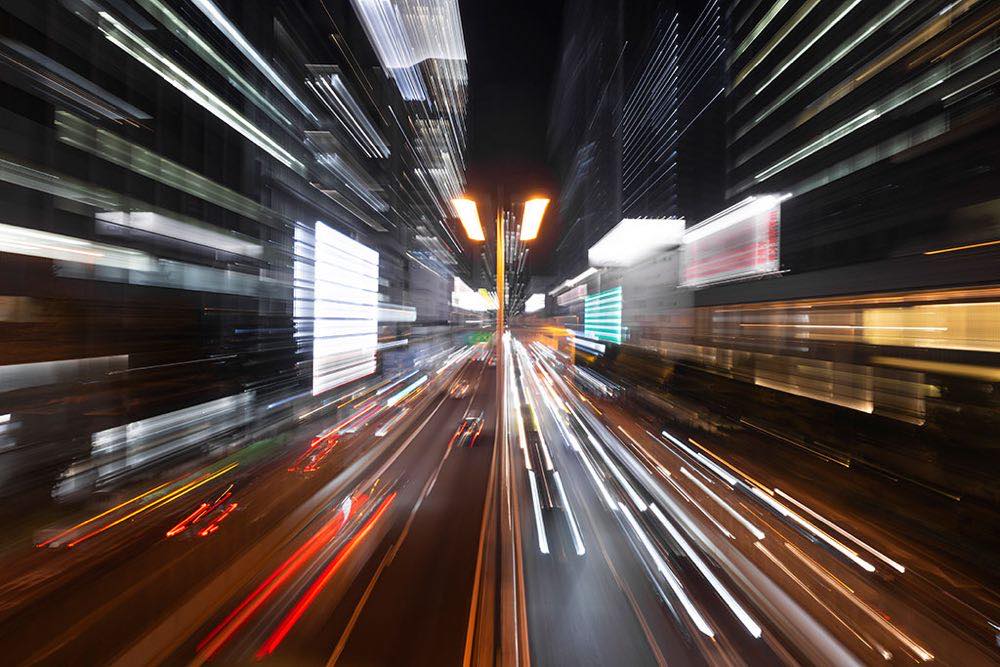
Creative panning: between 1/15s and 1/30s, following the moving subject to keep it sharp while the background turns into dynamic streaks.
Each choice changes the emotion the photograph conveys. An athlete frozen in mid-air communicates power and precision; the same athlete with slight motion blur suggests speed and dynamism. Both are valid decisions with different narrative purposes.
What speed do I use in each scene?
Scene: Sports; Shutter speed: 1/500s minimum; Settings: S/Tv mode, auto ISO with a limit; Note: The ISO limit keeps flexibility
Scene: Everyday portrait; Shutter speed: 1/60s to 1/125s; Settings: —; Note: Balance between sharpness and naturalness
Scene: Landscape; Shutter speed: 1/60s to 1/250s; Settings: —; Note: Unless you're after a long exposure
Scene: Astrophotography; Shutter speed: 500 rule/focal length: 500/24mm ≈ 20s; Settings: Tripod; Note: Avoids star trails from Earth's rotation
Scene: Handheld urban night; Shutter speed: 1/30s; Settings: ISO 1600, stabilization on; Note: Acceptable results without a tripod
Scene: Night with tripod; Shutter speed: Whatever it takes; Settings: ISO at minimum; Note: Maximum file quality
The exact limit for your focal length comes from the 500 rule calculator, and the full range of speeds with their uses is in the shutter speeds guide.
Shutter speed within the exposure triangle
Shutter speed doesn't act alone: it is part of the exposure triangle together with aperture and ISO. Changing the speed without compensating one of the other two parameters will alter the image's exposure. That's why, before adjusting the speed, it pays to be clear about what creative result you're after and how much light is available.
In low-light situations where high speed is needed to freeze motion, the photographer must compensate by opening the aperture or raising the ISO. This constant negotiation among the three parameters is the essence of conscious photographic control.
What mistakes leave photos blurred by camera shake?
The most common mistake is using excessively high speeds without need, sacrificing ISO and image quality without any narrative benefit. The influence of stabilization is also often forgotten when calculating the minimum safe speed, which leads to shaky photos.
Many beginners also don't apply a holding technique for slow speeds: holding the camera firmly, controlling your breathing and squeezing the shutter gently can make the difference between a sharp image and a blurry one. Another frequent oversight is not experimenting with intermediate speeds, missing unique creative opportunities.
Not using a tripod on long exposures is one of the costliest mistakes. Below 1/30s, in most situations, the tripod goes from optional to necessary to ensure sharpness. And on exposures of several seconds, a remote release or the timer avoids vibration when pressing the shutter.
What is the minimum safe handheld speed?
A simple trick is to apply the minimum speed formula: on sensors with a crop factor, multiply the focal length by the factor (1.5 on Nikon, Sony and Fujifilm APS-C; 1.6 on Canon APS-C; 2 on Micro Four Thirds; the crop factor converter does the math). For example, with a 50 mm on APS-C ×1.5, the minimum safe speed would be 1/(50 × 1.5) = 1/75 s, which rounds to 1/80 s.
With image stabilization on, this limit can be extended by 2 to 4 stops, allowing you to shoot handheld at much slower speeds than would be possible without it.
To complement speed control with ISO management in low-light conditions, the article on low-light photography without noise offers specific settings by scenario.
Professional tips for advanced speed control
In panning, move the camera before, during and after the shot. A smooth, constant movement at the same speed as the subject produces the best results. The right speed depends on the subject: a runner allows slower speeds than a cyclist or a race car.
In low-light situations, it is better to prioritize ISO 1600 at 1/125s than to risk ISO 800 at 1/60s: the sharpness lost to motion is more noticeable than the grain. And in mixed scenes with both static and moving subjects, look for the balance that best serves the main element of the composition.
Frequently asked questions about shutter speed
What is the difference between freezing and suggesting motion?
Freezing means using fast speeds (1/500s or more) to stop the action completely. Suggesting motion consists of leaving a slight trail or intentional blur that communicates dynamism and a sense of speed.
Can I get silky water without an ND filter?
Only if the light is very low, such as in late sunset or in deep shade. In normal daylight conditions, the ND filter is essential to reduce the light coming in and allow long exposures without overexposing.
What is the minimum safe speed for shooting handheld?
It depends on the focal length and the sensor. As a general practical rule: 1/(full-frame equivalent focal length). On APS-C or Micro Four Thirds, multiply the actual focal length by the crop factor before calculating the minimum speed.
When is it a good idea to use shutter priority mode?
In any situation where motion is the determining factor: sports, wildlife in motion, photography of children or capturing spontaneous moments where there's no time for manual adjustments.
The ten-minute exercise that makes it clear
Freezing, suggesting or panning are three different photos of the same scene, and all three are valid. Decide which one you want before shooting and compensate with aperture or ISO so you don't change the exposure along the way.
Find something that moves (a match, a waterfall, an avenue at night) and shoot the same scene at 1/500s, at 1/125s and at 1/30s. In ten minutes you'll see with your own eyes what are here just numbers, and you'll know which one to ask of the camera next time.
The 44 cards from Enfogram come with these speeds printed by scene, so you can choose without taking your eyes off the action.